Mobile Portrait Photography in 2026: Getting Professional Results From Your Smartphone
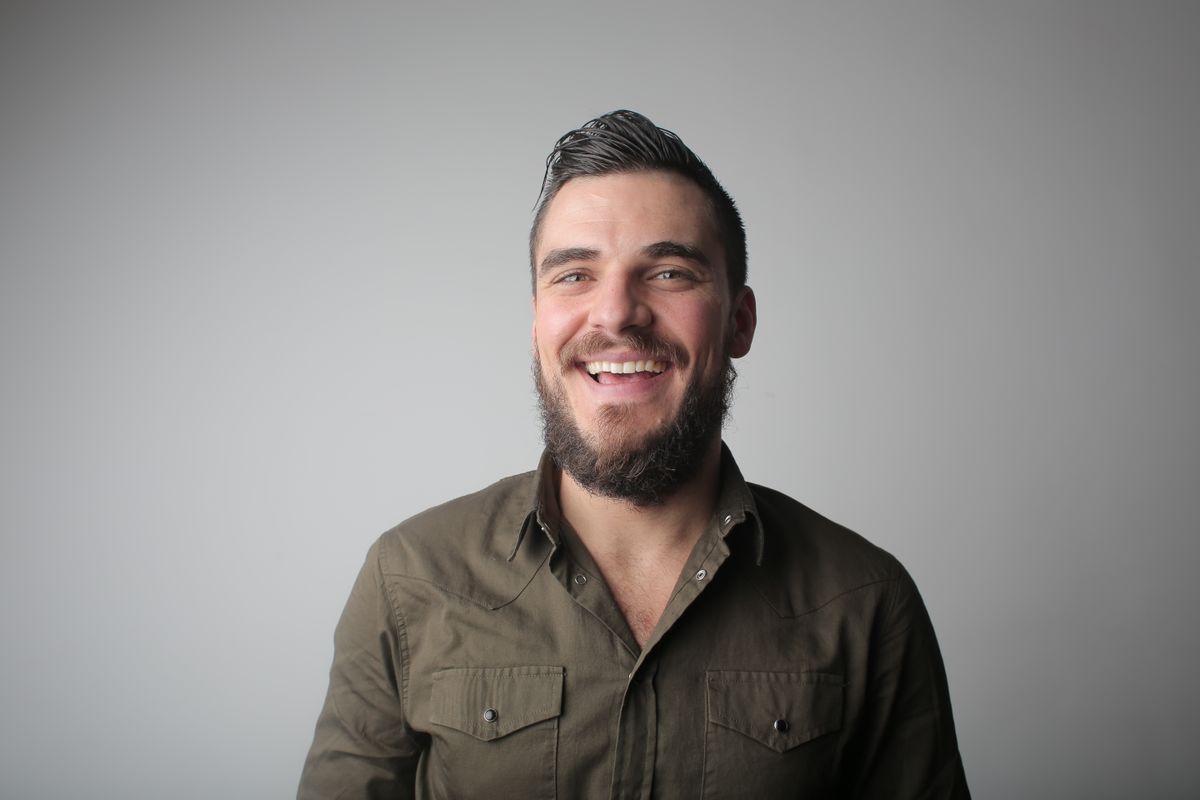
Modern smartphone cameras have crossed the threshold where genuinely impressive portrait photography is achievable from a device most people carry constantly. The computational photography that powers portrait mode, night mode, and AI-enhanced processing on current flagship phones produces results that were impossible without a dedicated camera just five years ago. Here is the honest guide to getting professional-quality portraits from your smartphone.
Understanding Portrait Mode: What It Actually Does
Portrait mode on modern smartphones creates background blur through a combination of actual optical blur (from the lens aperture) and computational blur (AI edge detection that separates subject from background and applies simulated blur). The quality of portrait mode has improved dramatically — the edge detection that determines where the subject ends and the background begins is significantly more accurate in 2024-2026 flagship phones than in first-generation portrait modes. The limitation: portrait mode still struggles with hair edges, intricate background patterns close to the subject, and subjects who are moving. In these situations, taking the portrait without portrait mode and making bokeh decisions in post-processing (using Lightroom Mobile's masking tools) often produces cleaner results.
Lighting Principles Apply Equally to Smartphone Photography
The same lighting principles that produce great DSLR or mirrorless portraits produce great smartphone portraits. Window light, open shade, and golden hour light are equally flattering regardless of the camera. The limitation specific to smartphones: smaller sensors and faster processing mean smartphones handle high-contrast lighting situations less gracefully than dedicated cameras — the dynamic range available in a single exposure is smaller, and blown highlights are harder to recover in post. Avoid high-contrast situations (subject with bright sky directly behind them, harsh direct noon sunlight) that challenge smartphone dynamic range. Cloudy days and open shade are actually the most smartphone-friendly portrait lighting situations.
Apps and Post-Processing for Mobile Portraits
Lightroom Mobile (free with subscription for full features, meaningful free features available) is the most capable mobile editing app for portraits — its masking tools allow selective adjustments to skin tones, backgrounds, and specific facial features. Snapseed (free, Google) offers powerful healing tools and selective adjustments accessible to users without photography background. The key post-processing adjustments for mobile portraits: slight exposure increase, highlights reduction (to protect skin highlight detail), shadow lift (to prevent shadow areas going too dark on darker skin tones), and skin tone refinement through orange HSL adjustment. The processing style that ages best: subtle, focused on accuracy and natural rendering rather than dramatic filters.
Honest Bottom Line: Current flagship smartphone portrait mode is genuinely impressive for most portrait situations — edge detection quality has improved significantly through 2024-2026. Portrait mode still struggles with hair edges, intricate backgrounds close to the subject, and moving subjects — manual bokeh decisions in Lightroom Mobile sometimes produce cleaner results. Lighting principles are identical for smartphones and dedicated cameras — window light, open shade, and golden hour produce flattering results from any camera. Smartphone dynamic range limitations make high-contrast lighting situations more challenging — cloudy days and open shade are smartphone-friendly portrait conditions.