Video Interview Body Language: 7 Things the Camera Picks Up That You Might Not Notice
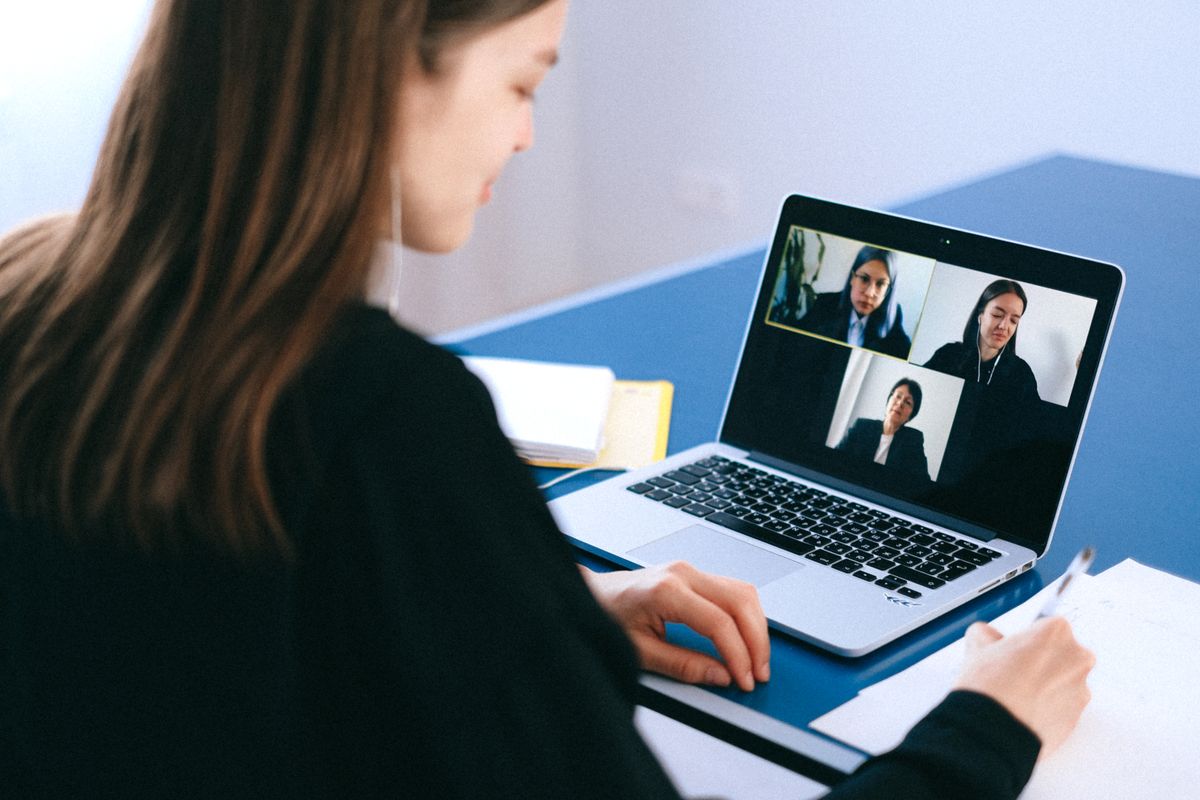
Video interviews have become standard in professional hiring, and the body language signals that interviewers interpret in video format are different from in-person signals — some things are amplified by the camera, others are hidden, and entirely new considerations emerge from the technology itself. Here are the 7 specific body language elements that the camera picks up most prominently and how to manage each.
1. Eye Contact Direction: The Most Prominent Video Interview Signal
Looking at your interviewer's face on screen rather than at the camera creates a downward gaze on their end — they see you looking below eye level, which reads as avoiding eye contact or looking down. True video eye contact requires looking directly at the camera, which feels unnatural because you cannot see the interviewer when doing so. The solution: position a small visual reference (a sticker, a piece of tape, a printed small photo) directly beside your camera as a reminder to look there, especially when answering questions. Glance at the interviewer's face while they speak, then return to camera when you speak. This produces the most genuine eye contact impression in video format.
2 and 3. Posture and Head Position
The camera captures your posture continuously and amplifies it — slouching that might be minimally noticeable in person is obvious in video. Sit with your back against the chair back (not perched at the edge), shoulders back and down, and chin parallel to the floor rather than tilted down. Head tilt down creates a double-chin effect and reads as low confidence or disengagement. The camera position reinforces posture importance: if your camera is below eye level (laptop on a low desk), it creates an unflattering upward angle that exaggerates both posture problems and facial features. Raise your laptop or camera to eye level using a stand, stack of books, or monitor arm.
4, 5, 6, and 7: Gestures, Facial Expression Energy, Clothing, and Background
Hand gestures that extend beyond the camera frame disappear on video, which can make expressive gesture users look like they have abruptly stopped moving. Keep gestures within the camera frame — slightly larger than you think necessary for in-person conversation, since the cropped video frame tends to make gestures appear smaller. Facial expression energy reads about 20-30% lower on camera than in person — smiling and engagement that would be appropriate in person may read as flat on video. Consciously increase your expression energy slightly. Clothing: high-contrast patterns (small checks, thin stripes) create visual distortion on camera called the moire effect — solid colors or large-scale patterns are more stable on video. Background: the space behind you communicates professionalism by default — a clean, neutral background or intentional bookshelf creates a more professional impression than visible laundry or household clutter.
Honest Bottom Line: The 7 video interview body language elements: eye contact direction (look at camera when speaking, not at the screen), posture (back against chair, camera at eye level), head position (chin parallel to floor), gestures (keep within camera frame, slightly larger than in-person), facial expression energy (increase by 20-30% from in-person baseline), clothing (solid colors or large patterns, not small checks or thin stripes), background (clean and neutral or intentional). Camera-specific issues (eye contact direction, expression energy reduction) are the most commonly overlooked because they are artifacts of the medium rather than natural in-person considerations.