Remote Job Interviews in 2026: 6 Things You Must Do Differently Than In-Person
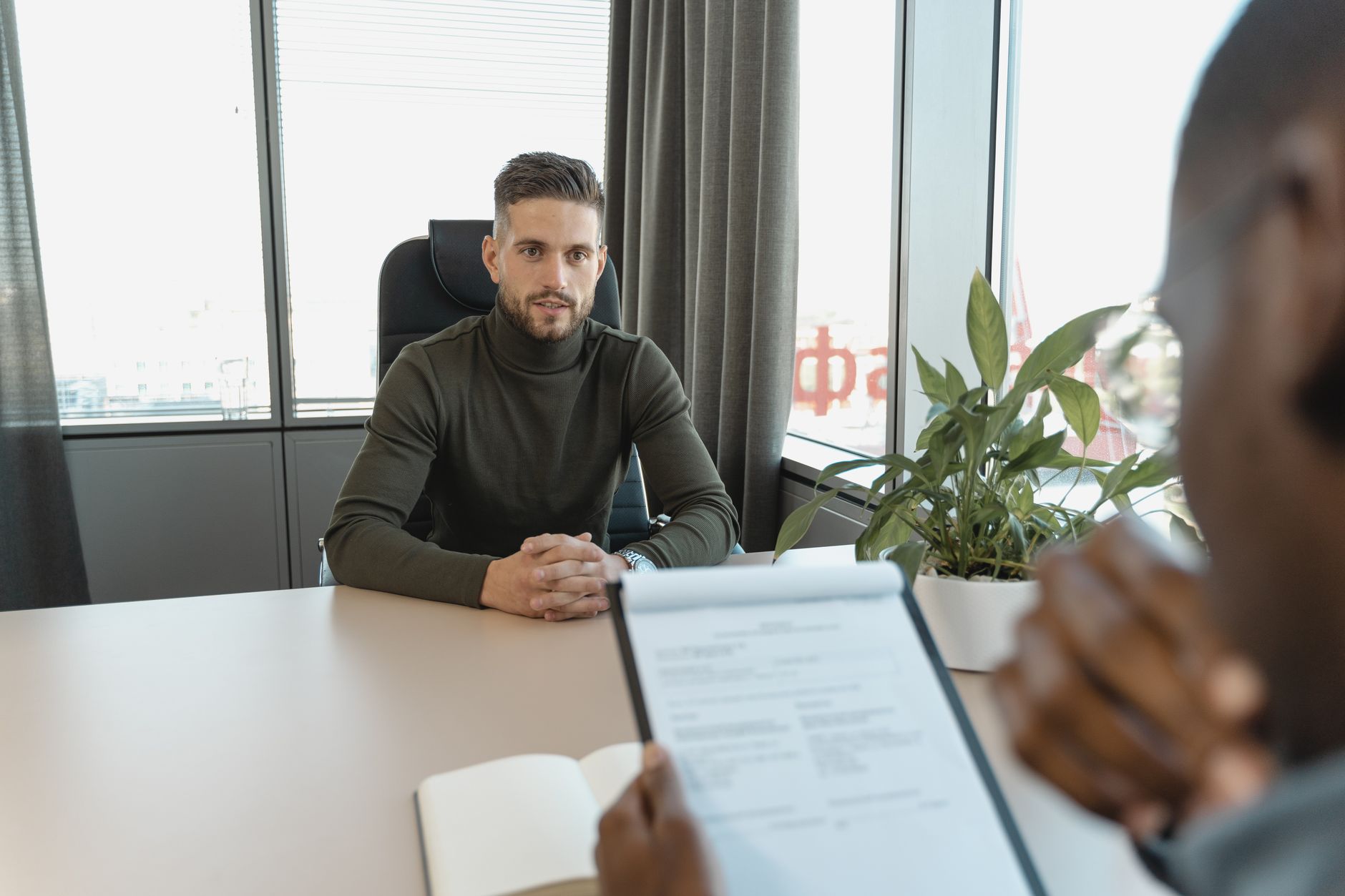
Remote job interviews have become standard since 2020, and the skills that make in-person interviews successful don't automatically transfer to video. The camera, the lighting, the audio, and the interaction dynamics of video calls introduce variables that don't exist in physical meetings — and candidates who fail to account for them consistently underperform relative to their actual qualifications. Here are 6 specific adjustments that make remote interviews more successful.
Adjustment 1: Camera Position and Eye Contact
In video calls, looking at the interviewer's face on your screen produces a downward gaze from the interviewer's perspective — they see you looking slightly below eye level. True video eye contact requires looking at the camera, not the screen. The practical solution: place your camera at eye level (laptop stands or monitor arms help here), position a small image or sticker near the camera as a visual reminder to look at it when answering questions, and glance at the interviewer's face when listening but return to the camera when speaking. This one adjustment produces the most noticeable improvement in perceived presence and confidence in remote interviews.
Adjustment 2: Audio Quality Matters More Than You Think
Poor audio (echoing, cutting in and out, background noise) is more damaging to interview impression than poor video quality — it creates cognitive load for interviewers who are struggling to understand you and signals a lack of preparation and professionalism. At minimum: use headphones rather than laptop speakers to eliminate echo. Ideally: a USB microphone (Blue Yeti Nano, Elgato Wave:3) produces dramatically better audio than any laptop microphone or built-in webcam microphone. Close windows and doors during the interview. Inform household members in advance. Test your audio setup with a friend or record a test video before the actual interview.
Adjustments 3-6: Lighting, Background, Energy, and Technical Preparation
Face light (a ring light, window light from in front, or a desktop lamp facing you) eliminates the shadowed, underexposed appearance that makes candidates look tired or unimpressive. Avoid backlit situations (window behind you) which makes you appear as a silhouette. Your background should be professional and undistracting — a clean wall, bookshelf, or virtual background appropriate to the company culture. In video, your energy needs to be deliberately slightly higher than in-person — the camera naturally reduces perceived warmth and enthusiasm by 20-30%. Smile intentionally, modulate your voice, and use more deliberate verbal affirmations than you would in person. Technical preparation: test your internet connection, camera, microphone, and meeting software 30 minutes before the interview on the same device and network you'll use.
Honest Bottom Line: Camera at eye level + looking at the camera when speaking (not the screen) produces the biggest single improvement in remote interview presence. Audio quality matters more than video quality — use headphones minimum, a USB microphone for professional quality. Face lighting eliminates the shadowed tired appearance that backlighting or no lighting creates. Deliberately project slightly higher energy than in-person — camera reduces perceived warmth by 20-30%. Test everything (connection, camera, audio, software) 30 minutes before on the actual interview device and network.